Install
- Download
zoal-honeycombo.zipfrom the Release Page. - Drop the folder into X-Plane's plugins folder.
- See the mappings below for knobs and AP buttons.
Bravo Knobs Mapping
Bravo AP Buttons Mapping
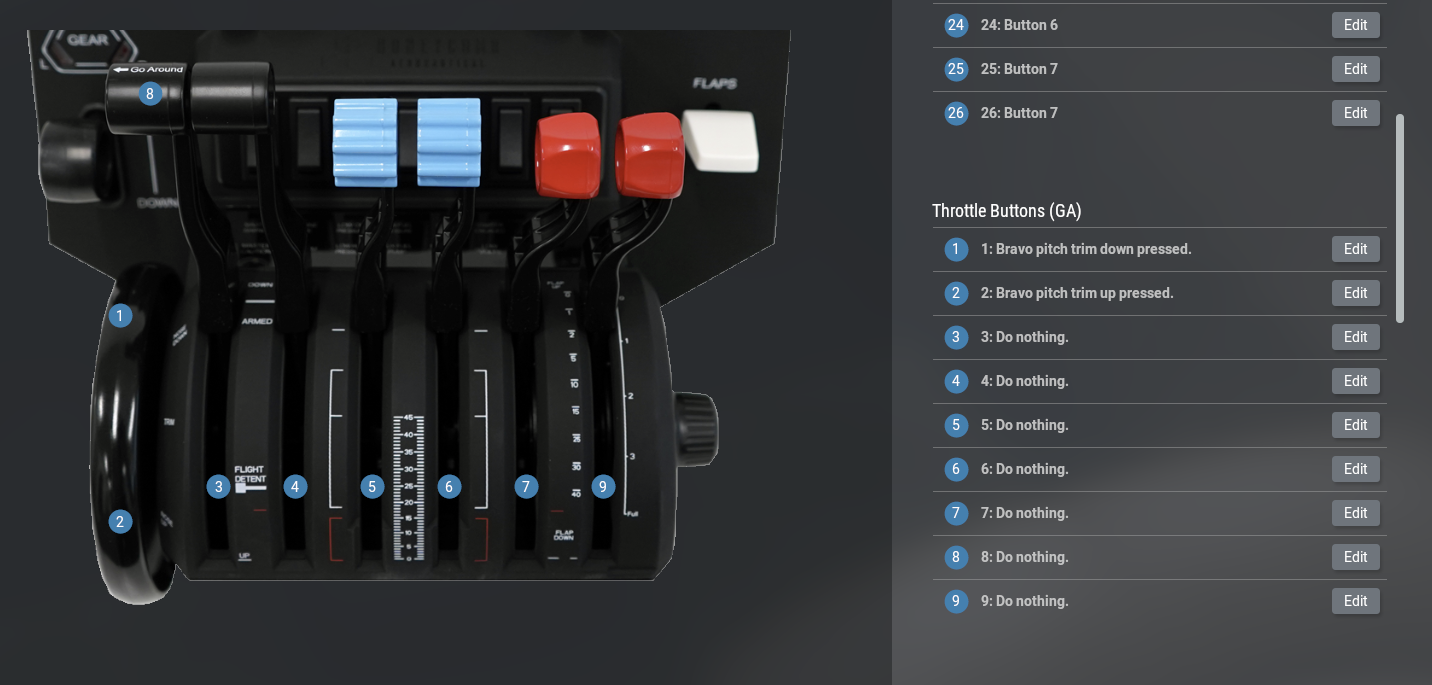
Mappings can be found by searching honeycomb after clicking Edit in X-Plane.
Smooth Trim Wheel
Use plugin's trim up/down
Watch the demo video:
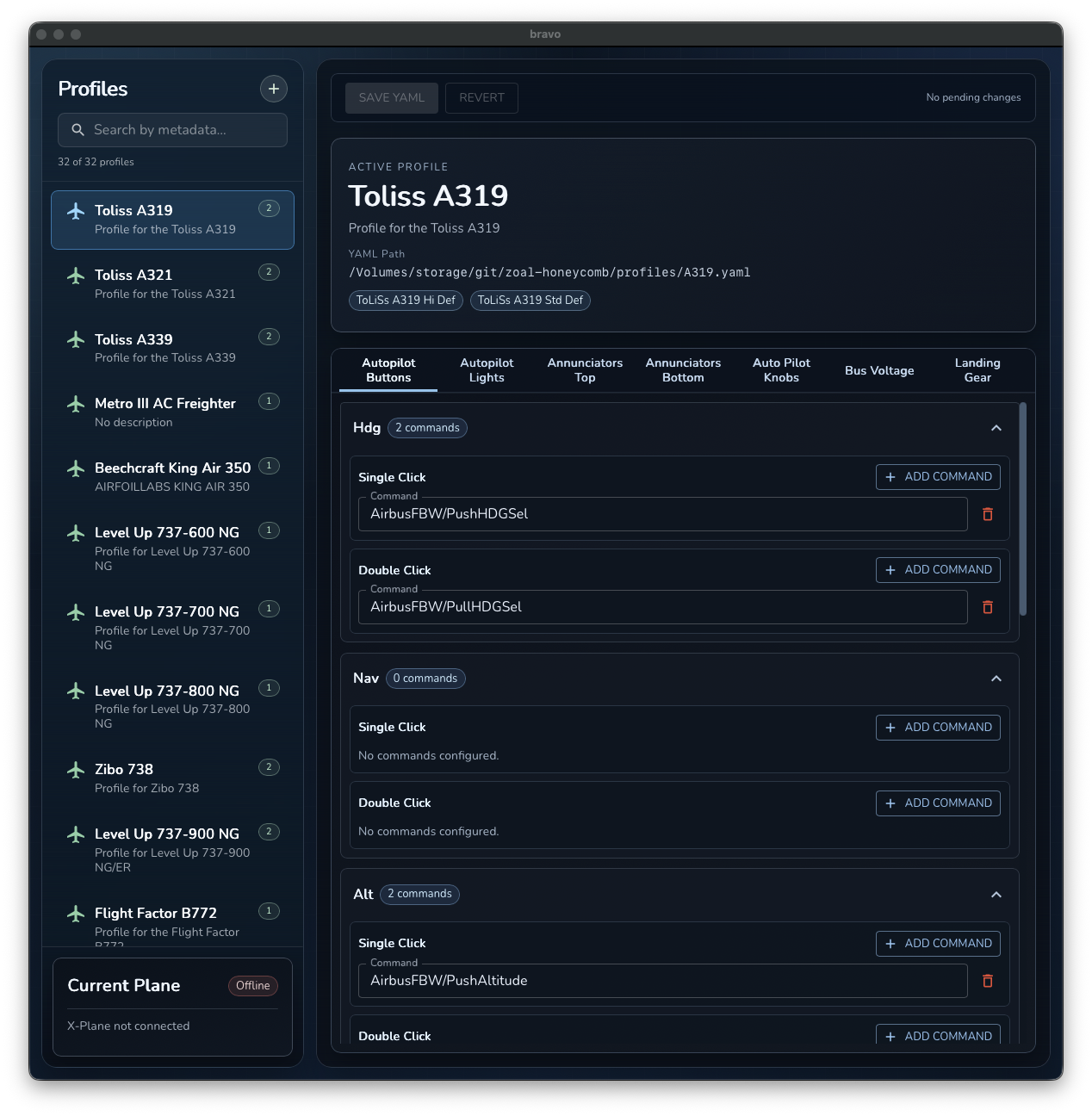
GUI Configurator